
Janet, your travel assistant
Janet is WeiiGo's travel assistant. On a trip she reads your plan and bookings, checks flights, answers safety questions, finds flights and stays, and suggests changes that you confirm.
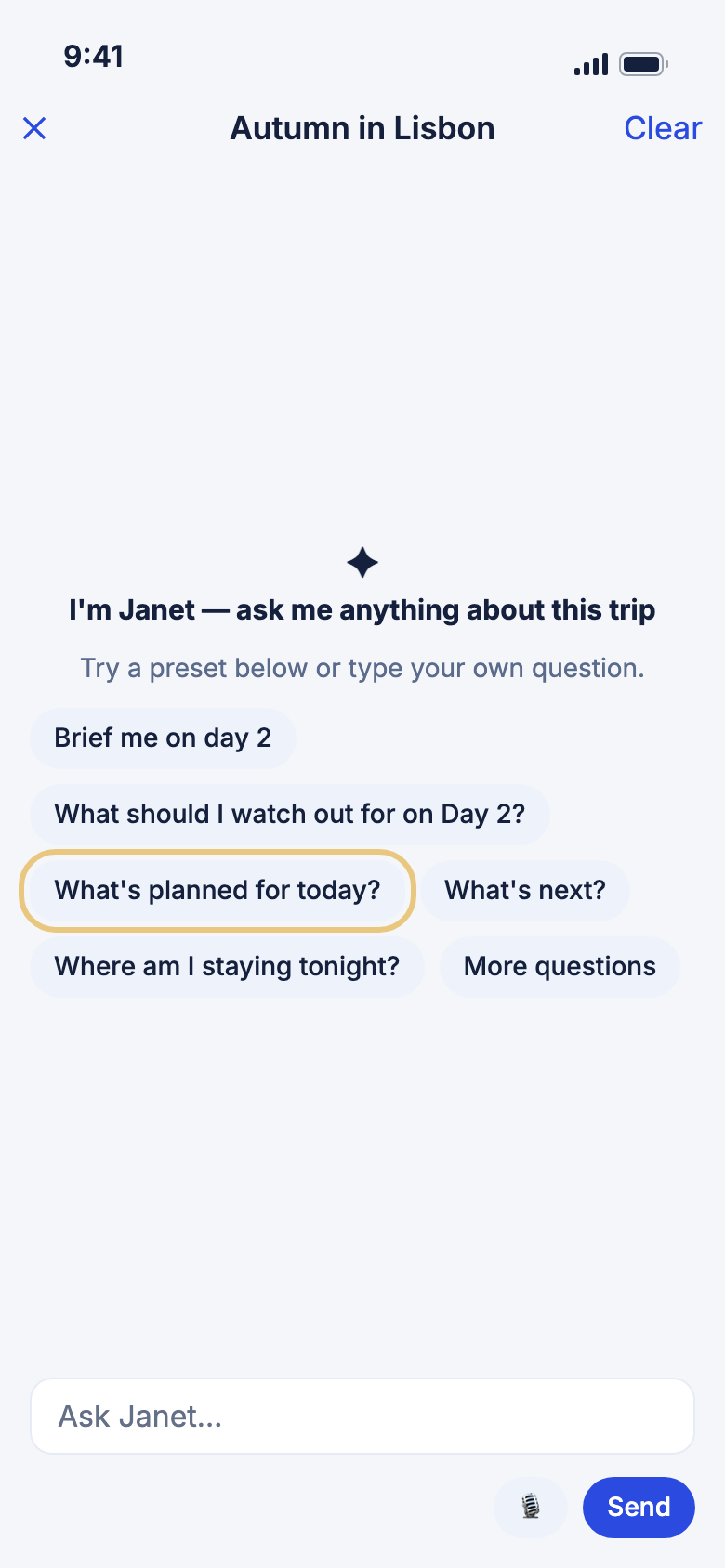
WeiiGo Pro — Janet is part of WeiiGo Pro. On Free, the places to ask her are hidden or show what Pro adds. If your Pro ends, you can still read your old chats, but you can't ask anything new.
This page covers what Janet can do once you are talking to her. To find her, ask about all your trips, or plan a trip, see Ask Janet.
Asking about your trip
Ask about your plan and bookings
Janet reads your trip before she answers, so you don't have to dig through it.
- Tap Trips, then tap your trip.
- Tap ✦ at the top of the screen.
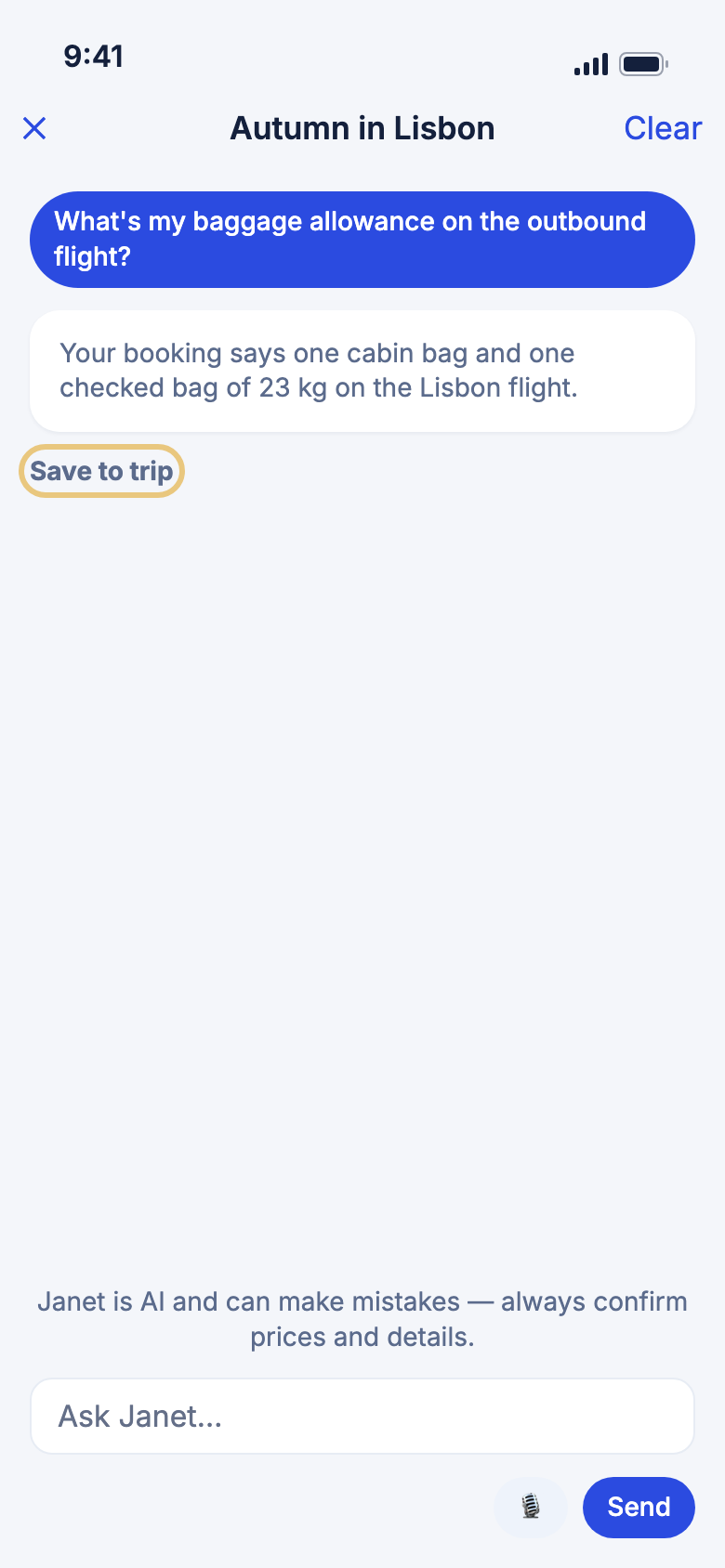
- Type your question in Ask Janet…, for example "What are we doing on Thursday?" or "Who is coming on this trip?"
- Tap Send.
- To keep a good answer, tap Save to trip under it. It goes into your trip notes.
Good to know
- Baggage, seats, check-in times and cancellation terms come only from your own bookings. If a booking doesn't say, Janet tells you and suggests asking the airline or hotel.
- Janet can list which documents are attached, but she can't read inside them.
- Only the trip's owner can ask about the checklist. On a trip shared with you, she says so.
- On a trip shared with you as a viewer, Janet won't show confirmation numbers, prices or who owes whom.
- While a trip is still being built, she won't describe it. She tells you it isn't ready yet.
- Chats are deleted 30 days after you last use them. A note you saved stays.
Speak your question
Talking can be easier than typing when your hands are full. What you say appears in the box and is never sent until you tap Send.
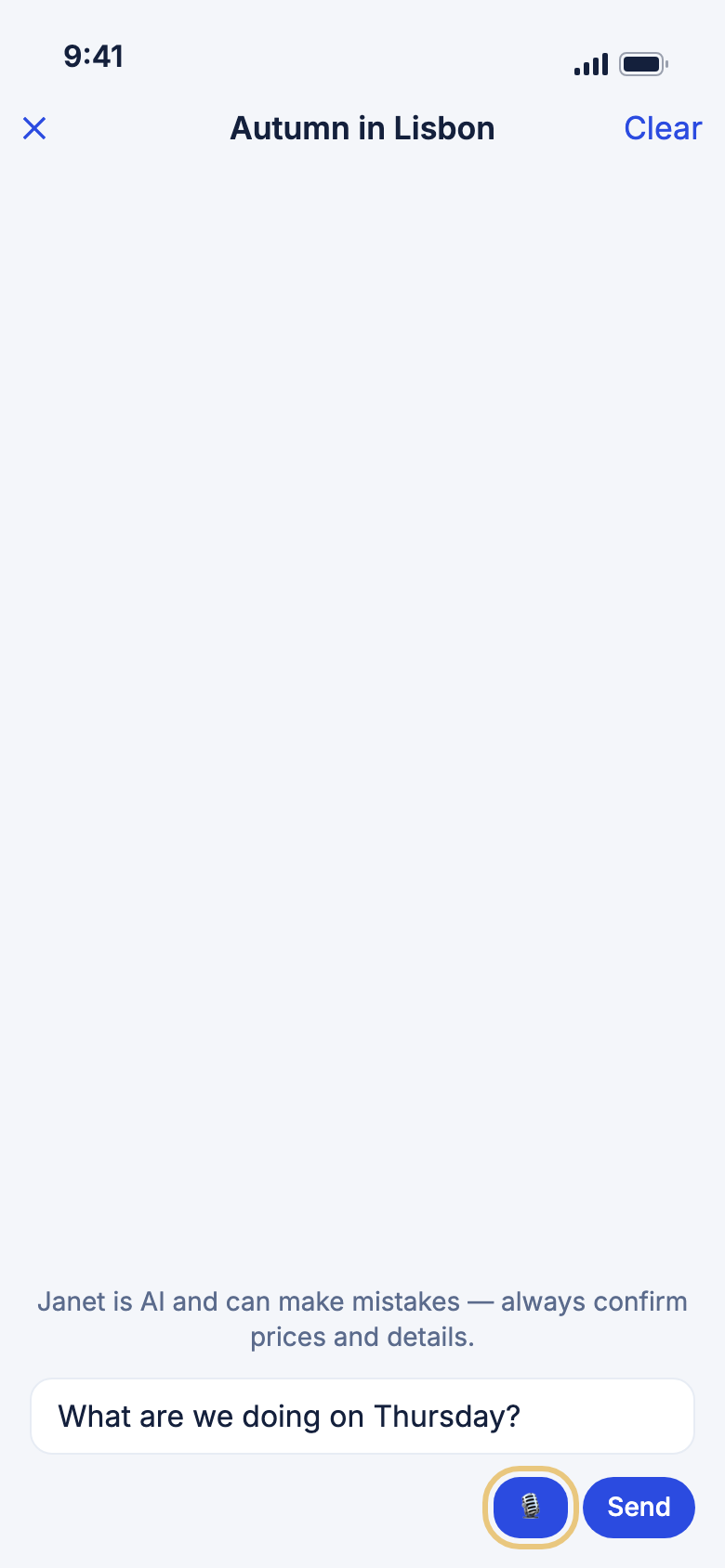
- Tap the 🎙 button beside the message box.
- The first time, read Speak your question and tap Continue. Allow the microphone and speech recognition when your phone asks.
- Speak. Your words appear in the box.
- Tap 🎙 again to stop.
- Check the text, then tap Send.
Good to know
- If the microphone is off for WeiiGo, you see Microphone is off with Open Settings.
- If something like Screen Time blocks dictation, you see Dictation isn't available.
- The button is hidden when you are offline, and while Janet is answering.
- Dictation works on a real phone, not in a simulator.
Flights, safety and nearby
Check a flight
Janet checks your flights for delays, gate and terminal. She can also guide you around an airport.
- Open Janet from your trip.
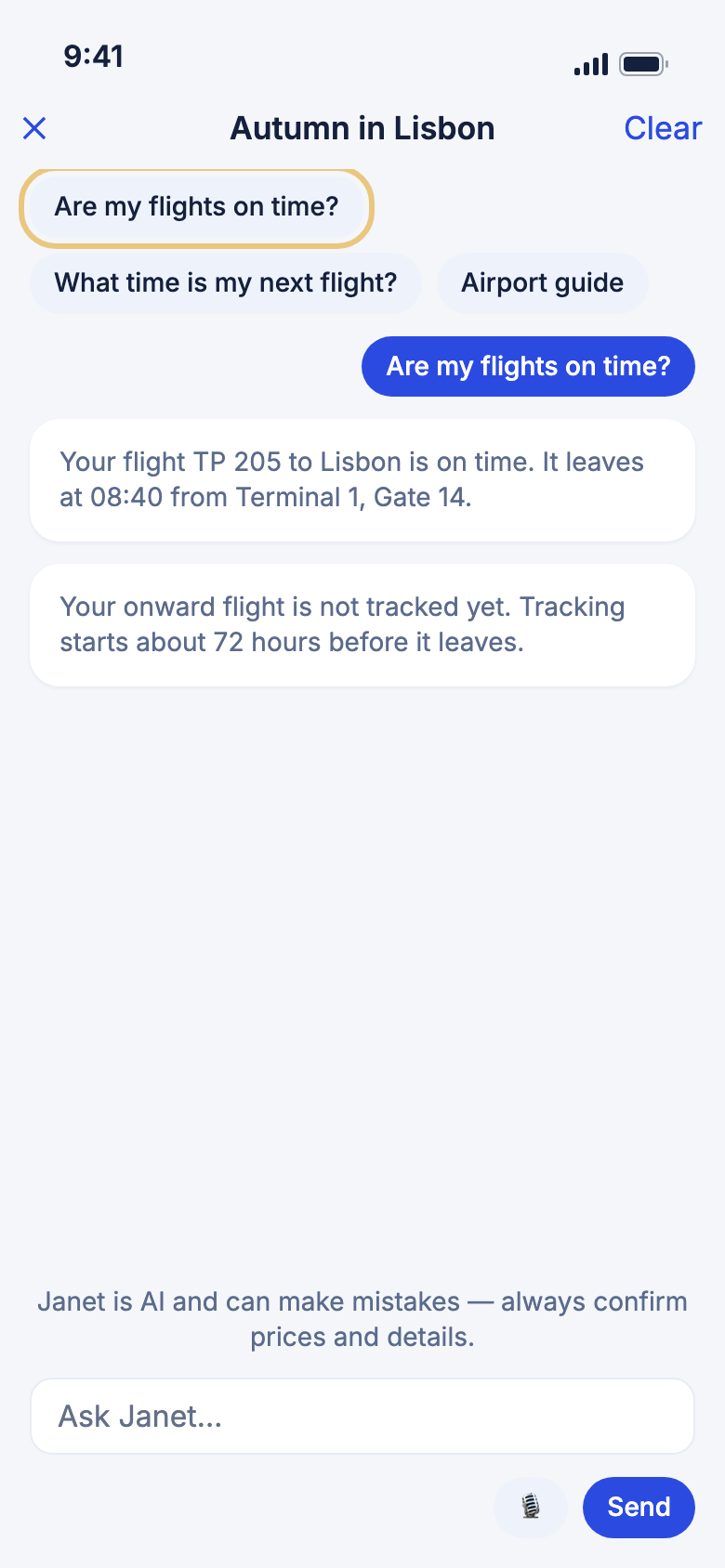
- Tap Are my flights on time? or What time is my next flight?
- For an airport, tap Airport guide, or ask "Where can I eat near my gate?"
Good to know
- Those ideas show from 48 hours before a flight until 12 hours after it leaves.
- A flight can only be tracked from about 72 hours before it leaves. Before that, Janet tells you when tracking starts.
- Live flight status works only inside a trip. From Home, Janet can describe an airport but can't give today's gate.
- If WeiiGo has no information about part of an airport, she says so.
Ask about safety and emergencies
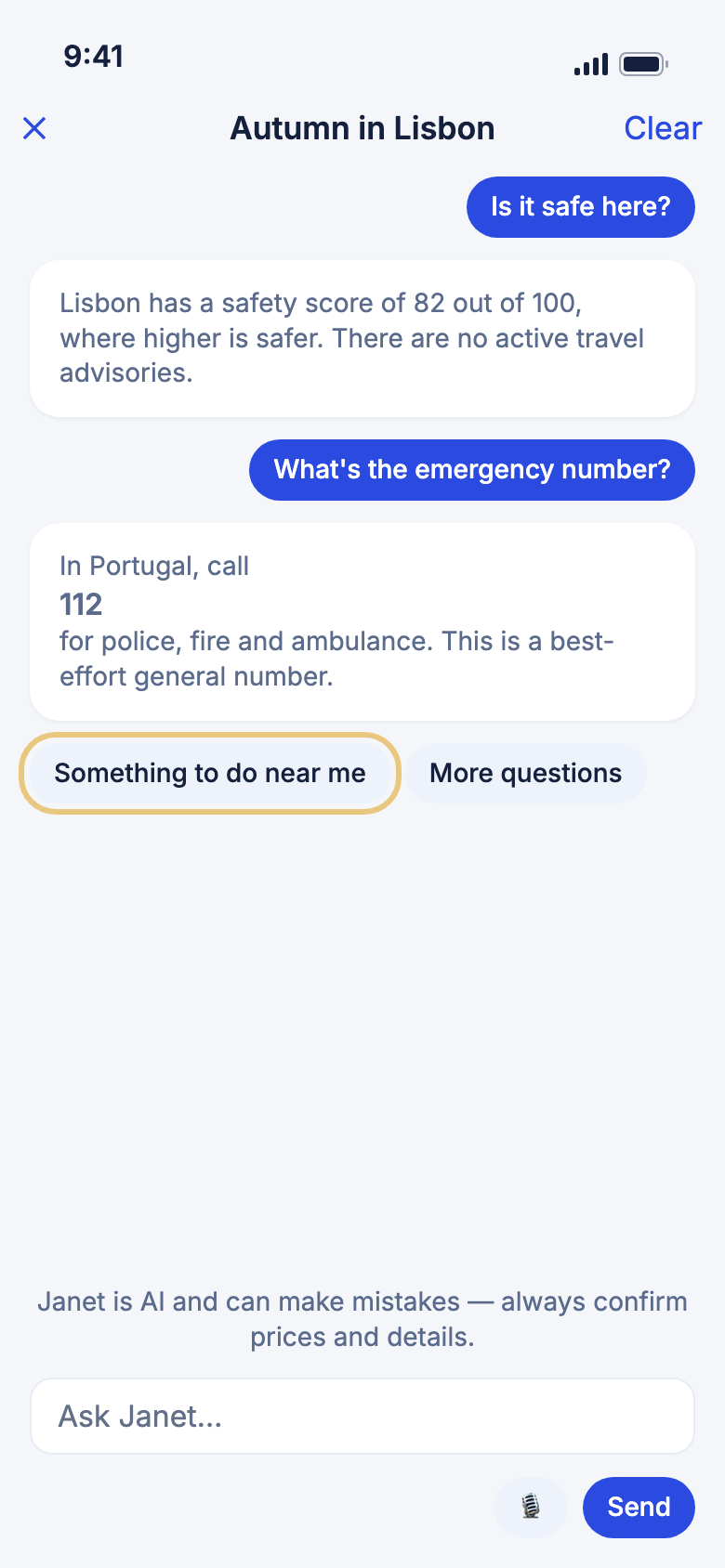
Janet can give your destination's safety score, entry rules, your embassy, local emergency numbers and the nearest hospitals or pharmacies.
- Open Janet from your trip.
- Ask "Is it safe here?", "What's the emergency number?" or "Where's the nearest pharmacy?"
Good to know
- These answers work only inside a trip. From Home, Janet asks you to open the trip and ask there.
- The score runs from 0 to 100. Higher is safer.
- Embassy and emergency number details don't cover every country. If WeiiGo has no checked entry, Janet says so. A general number like 112 is a best guess.
- She names only clinics and pharmacies that her search really found.
- Janet is not an emergency service. In an emergency, use the Safety tab. See Safety and SOS.
Find something to do near you
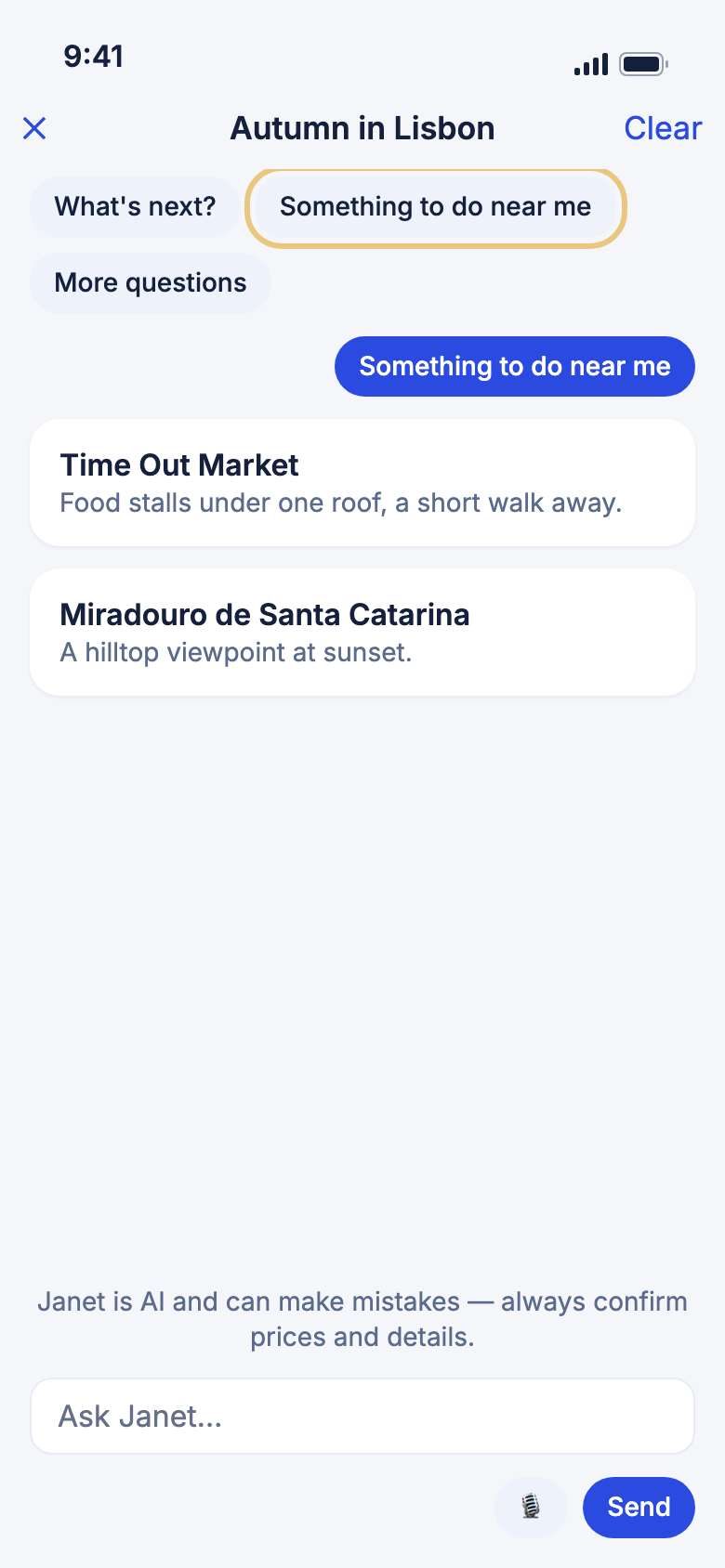
Janet can suggest real places close to where you are standing, not just near your planned stops.
- During your trip, open Janet.
- Tap Something to do near me.
- Read the list. Each place has its name and details.
Good to know
- Only this button shares where you are, and only for that question. Typing "what's near me?" doesn't.
- If WeiiGo can't use your location, the answer is centred on your trip's destination.
- Janet suggests only places her search found.
- Use a real phone to try this.
Find hidden gems
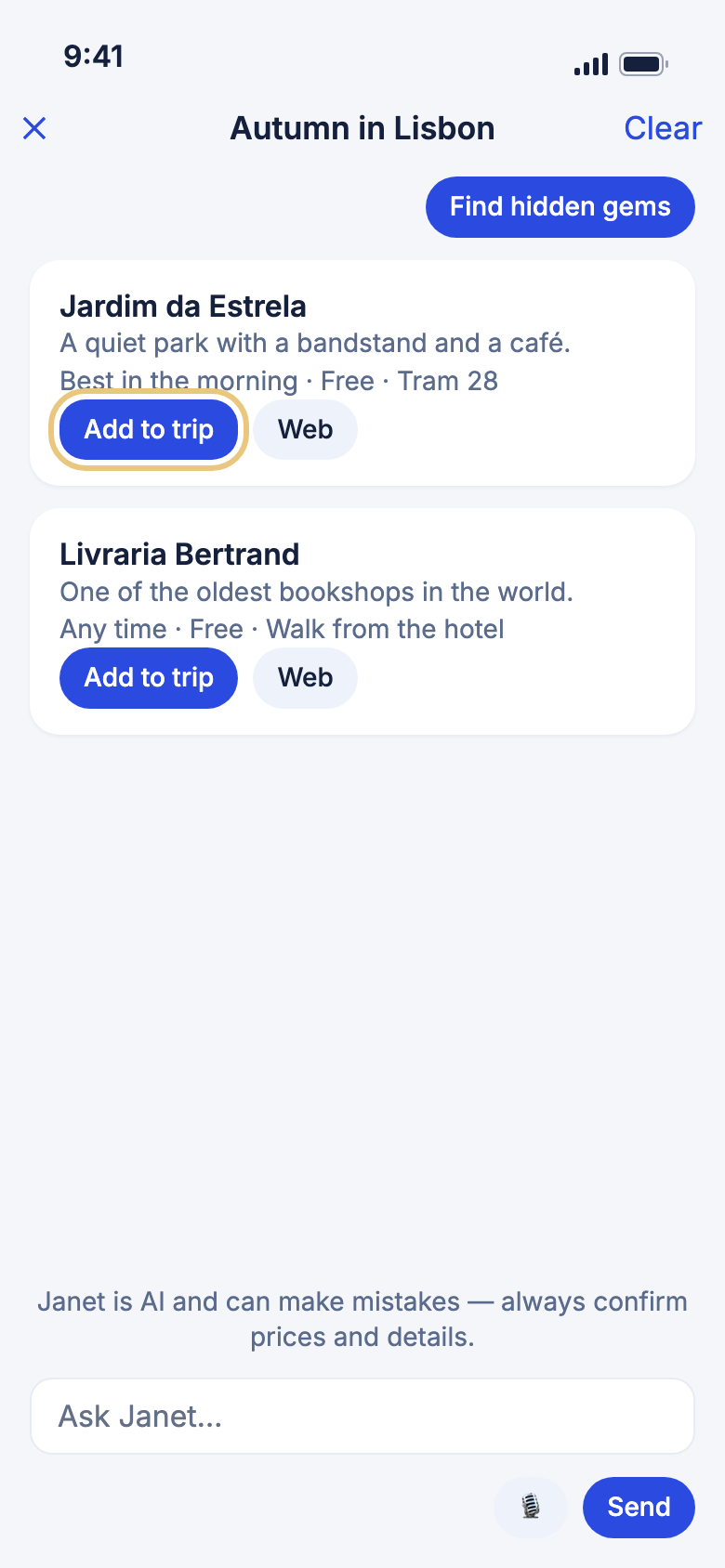
Find hidden gems shows a card for each place, so you can act on it straight away.
- Open Janet from your trip and tap Find hidden gems.
- Read the cards. Each says why the place is worth a visit.
- Tap Add to trip on one you like.
- Pick a day in Which day?
- To see the place first, tap Web.
Good to know
- The place is added as a morning activity at 9:00, or the next round hour if you pick today.
- If it can't be saved, the card says so and you can try again.
- A reopened chat keeps Janet's answer as text, without the cards.
- If you can only view the trip, you see Web but not Add to trip.
Everyday travel questions
Ask about weather, money and places
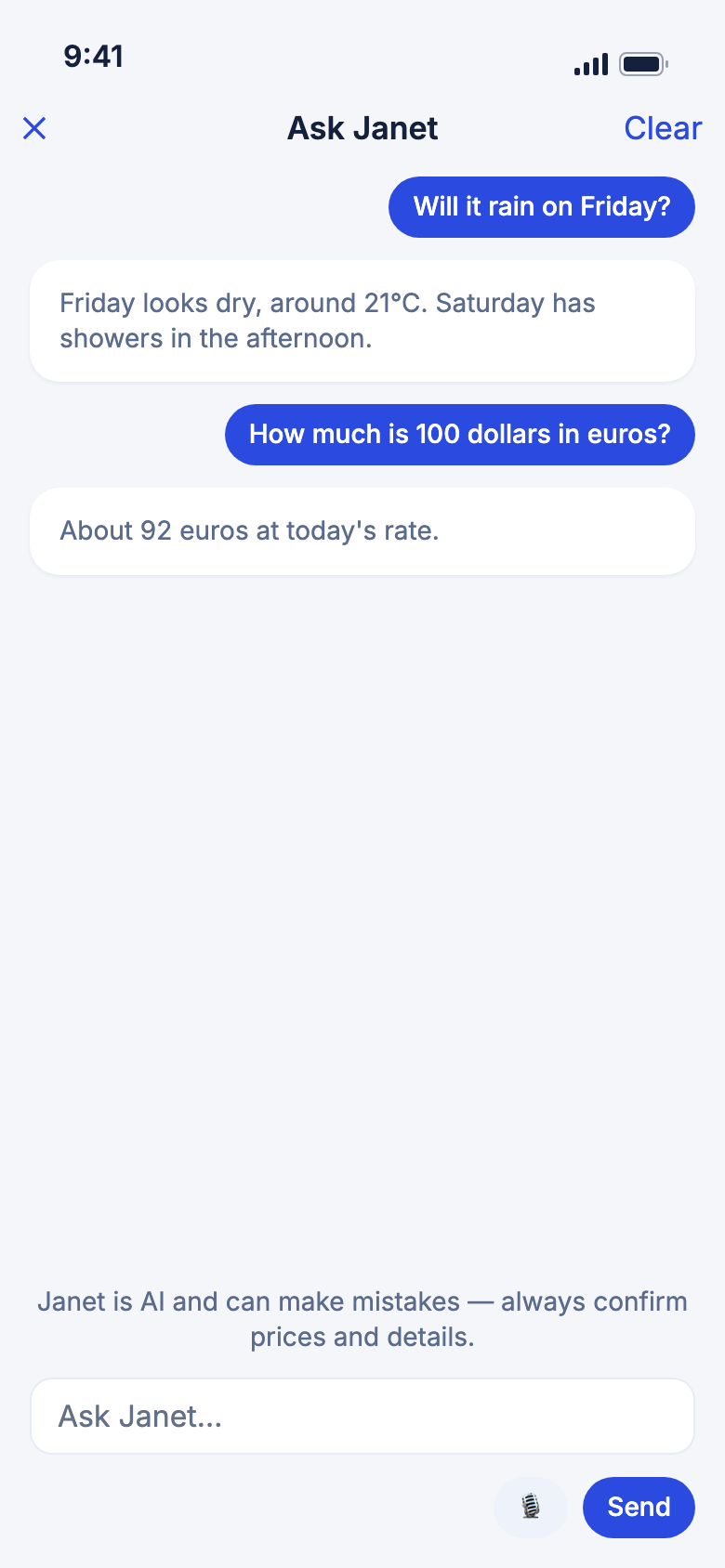
Janet answers everyday questions in either chat.
- Open Janet.
- Ask "Will it rain on Friday?", "How much is 100 dollars in euros?" or "Tell me about Kyoto."
- For getting around, ask "How do I get from Shinjuku to Haneda?"
Good to know
- The forecast covers about ten days. After that, Janet gives typical weather for the time of year and says it isn't a forecast.
- Public transport routes cover Japan only for now. Elsewhere Janet suggests a local maps app.
- Descriptions of places come from WeiiGo's own destination guides. If a place isn't covered, she says so.
Check your budget
Janet can tell you how you're doing against your trip's budget, and estimate what a trip might cost.
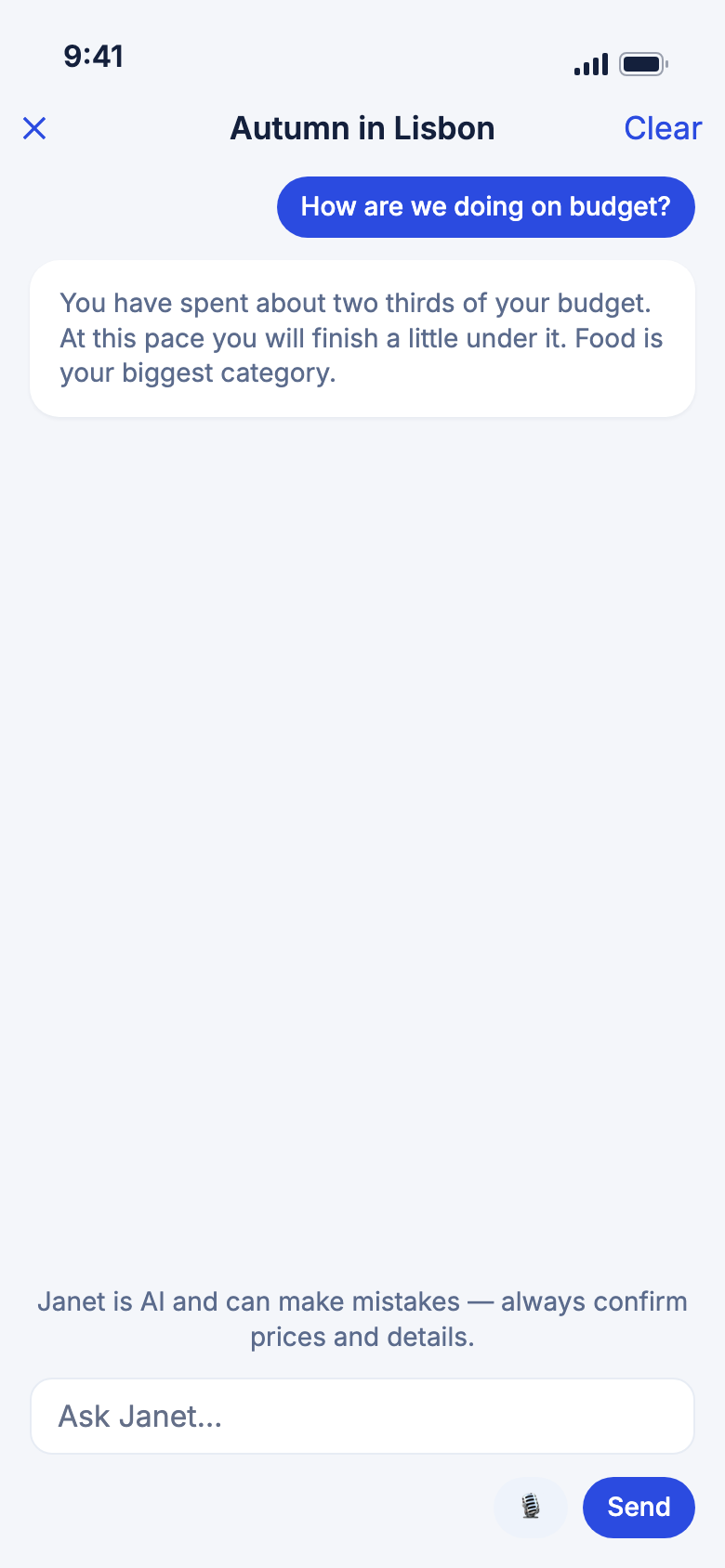
- Open Janet from your trip.
- Ask "How are we doing on budget?" or "What might this trip cost?"
Good to know
- This works only inside a trip.
- The cost estimate is a low-to-high range for the whole group, never a single price.
- Janet talks about your budget only when you ask. Set a budget under Edit Trip.
- On a trip shared with you as a viewer, she gives the budget and the total spent, but not the split by category or who owes whom.
Finding and booking
Find flights, stays and hire cars
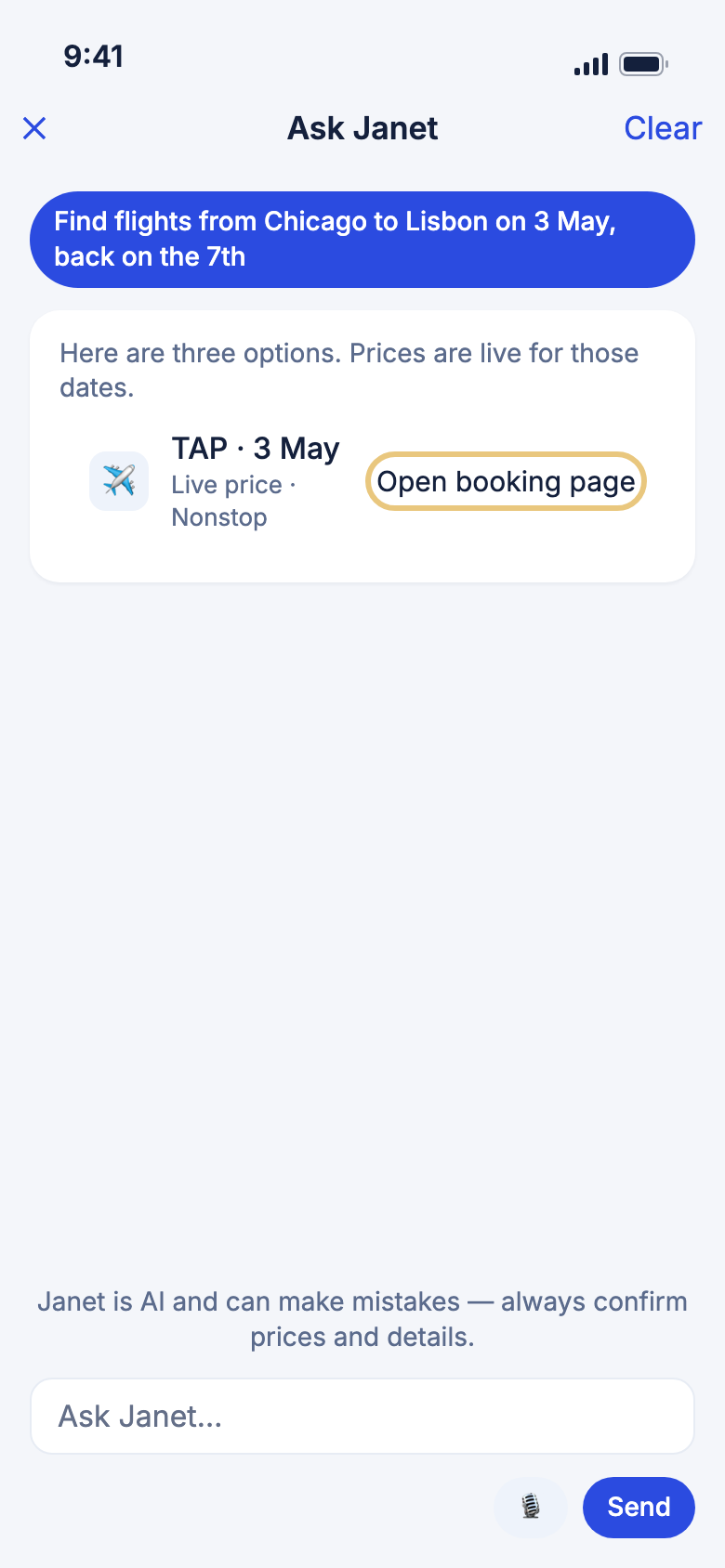
Janet searches live flights, hotels and rental cars for any route and dates.
- Open Janet.
- Ask "Find flights from Chicago to Lisbon on 3 May, back on the 7th".
- Read the options. Each shows the provider, date and a price.
- To book, tap Open booking page. You pay on the provider's page.
Good to know
- Each price is marked as live for your dates or as a typical recent price. Janet never quotes one from memory.
- A stay has no book button here. Book a stay from Tools, then Hotels, where you choose the room.
- Ask Janet to compare stays, such as "Which of these has free cancellation?". The comparison is read-only.
- If you don't say how many are travelling, she uses your saved travel group.
- If a search isn't working, she says so and offers to try again.
Add a flight or stay to your trip
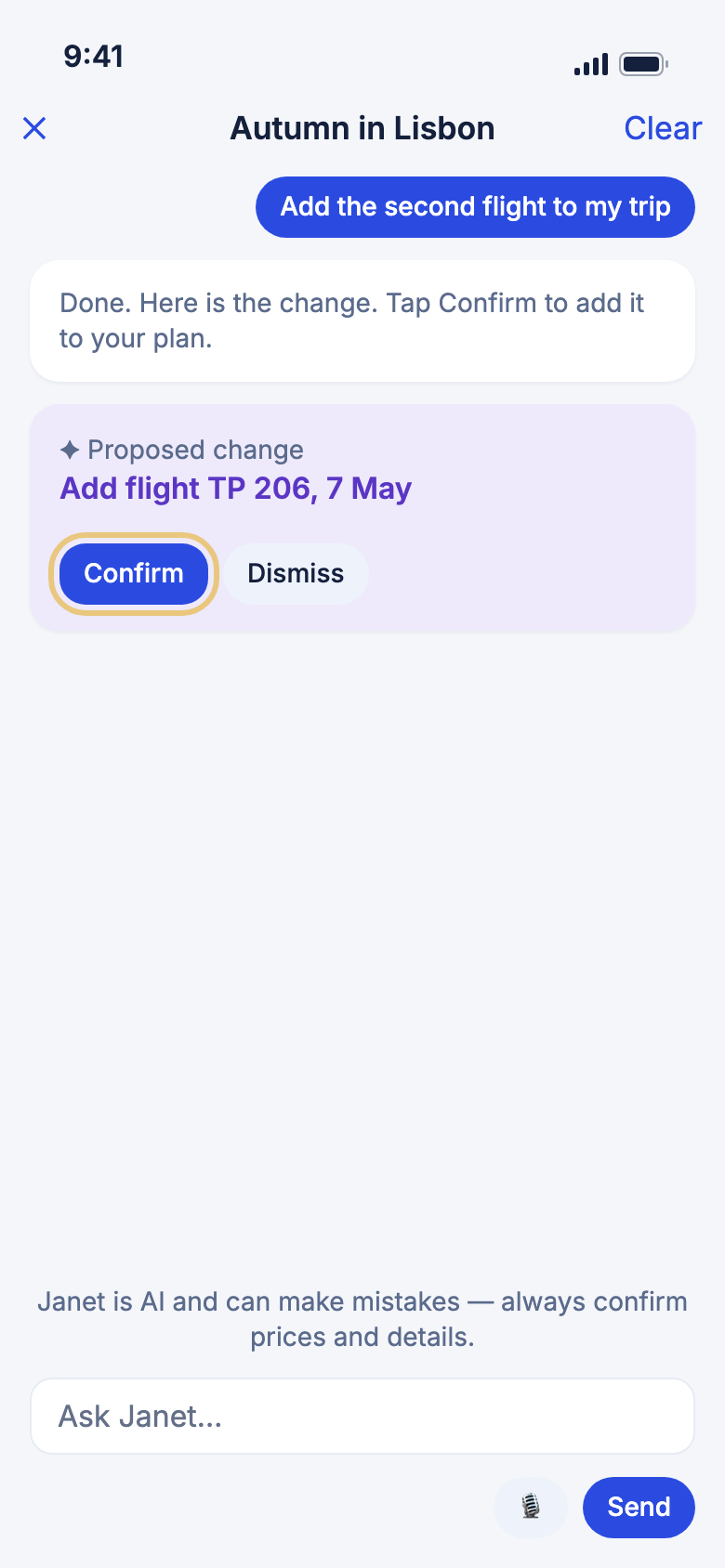
When you have found one you like, Janet can put it in your plan. This does not book it.
- Open Janet from your trip.
- After a search, say "Add the second flight to my trip."
- Read the Proposed change card.
- Tap Confirm, or Dismiss to leave your trip as it is.
Good to know
- You still book it with the airline or hotel. No seat or room is held until you do.
- For a stay, Janet adds check-in and check-out, and WeiiGo fills in the nights between.
- From Home she can search but not add. She asks you to open the trip.
- If you can only view the trip, Janet says the owner or an editor can make the change.
Get a ride to the airport
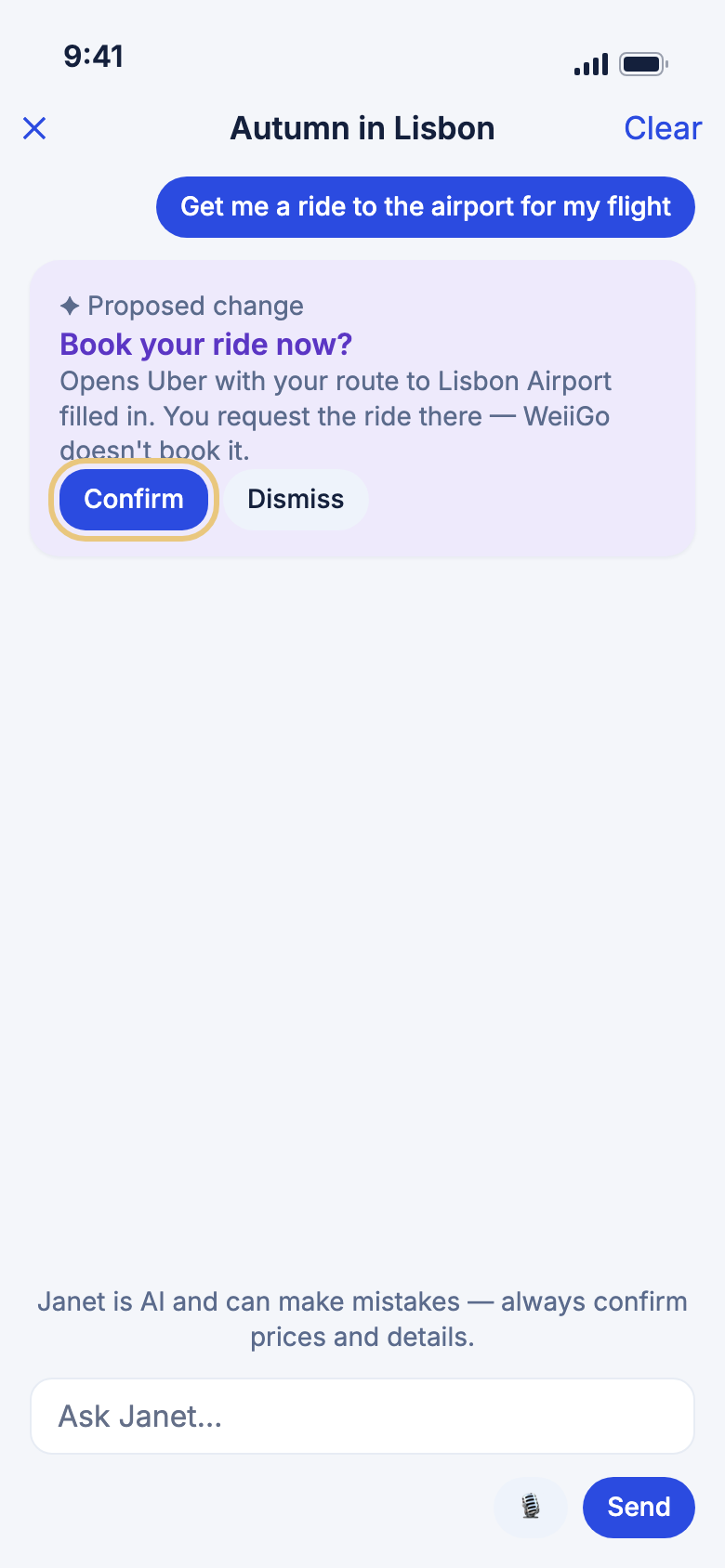
Janet can open Uber or Lyft with your pickup and the airport already filled in.
- Open Janet from a trip that has a flight.
- Say "Get me a ride to the airport for my flight."
- Read the card.
- Tap Confirm. The ride app opens.
- Request your ride in that app.
Good to know
- WeiiGo does not book the ride, and Janet never says it is booked.
- Close to the time you should leave, the card asks Book your ride now? Earlier, it tells you the pickup time to set yourself.
- Which ride app is offered depends on the country.
- The ride app needs to be on your phone, or its website opens.
Record what you spent
Tell Janet what you spent and she records it in your trip's budget.
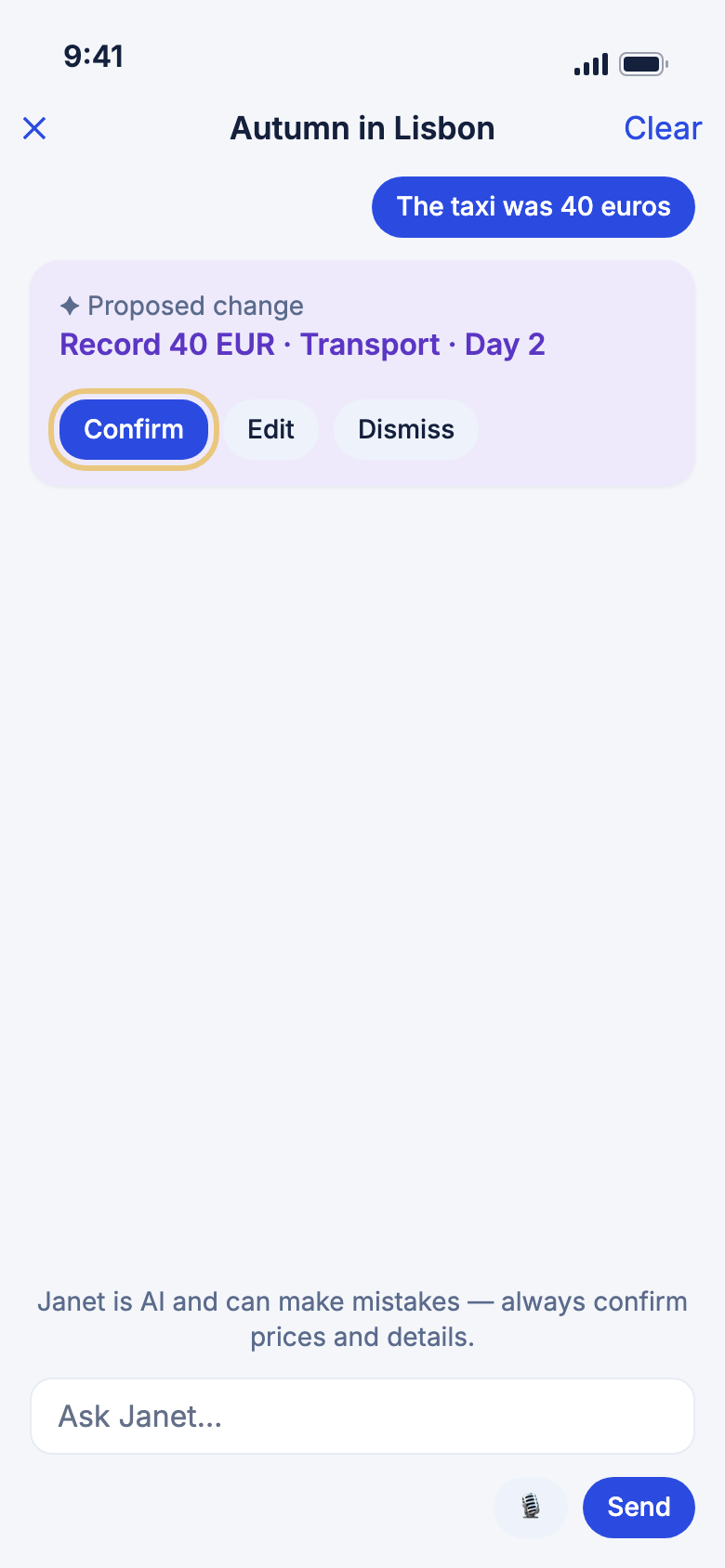
- Open Janet from your trip.
- Say what you spent, such as "The taxi was 40 euros."
- Check the amount, currency, category and day on the card.
- Tap Confirm. To change something first, tap Edit.
Good to know
- If Janet can't find an amount, she asks.
- She records only what you tell her. She never asks about spending.
- Naming two expenses gives two cards.
- She can tell you who owes whom on a shared trip, but she can't record a payment. Use the Budget page to settle up.
Ideas, dreams and what she remembers
Try a what-if on a Dream Trip
A Dream Trip is a someday trip with no fixed dates. Janet can test a change on one.
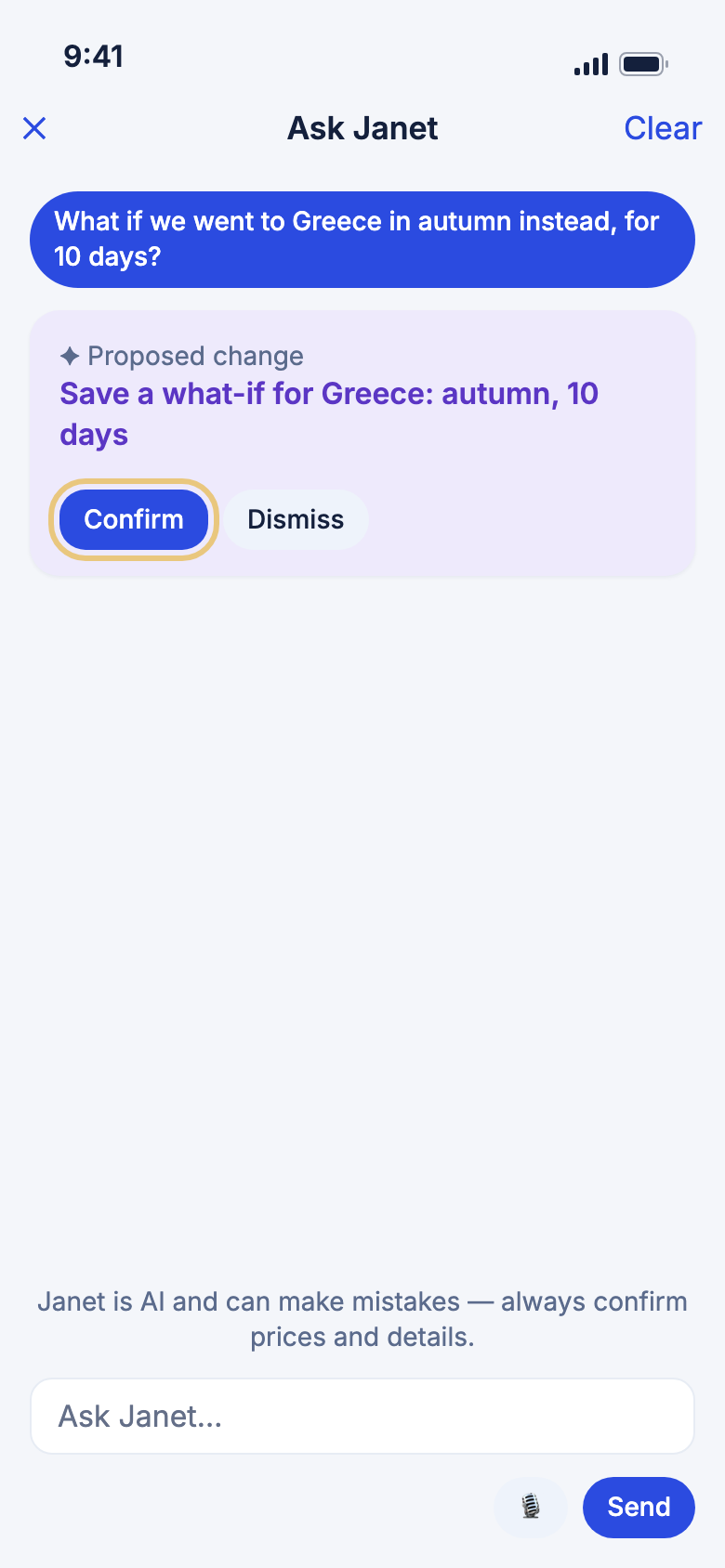
- Tap Home, then Ask or Plan.
- Say "What if we went to Greece in autumn instead, for 10 days?"
- Tap Confirm on the card to save the what-if.
- For a budget, ask "What could we do with $6,000 on the Greece trip?"
Good to know
- Dream Trips are only in the chat opened from Home. A trip's chat doesn't see them.
- A budget answer is rough and never a quoted price. Janet talks about it only when you name the amount.
- She never turns a season into exact dates.
- A Dream Trip keeps up to 10 what-ifs.
Let Janet remember how you like to travel
When you say something that is always true, Janet offers to remember it for next time.
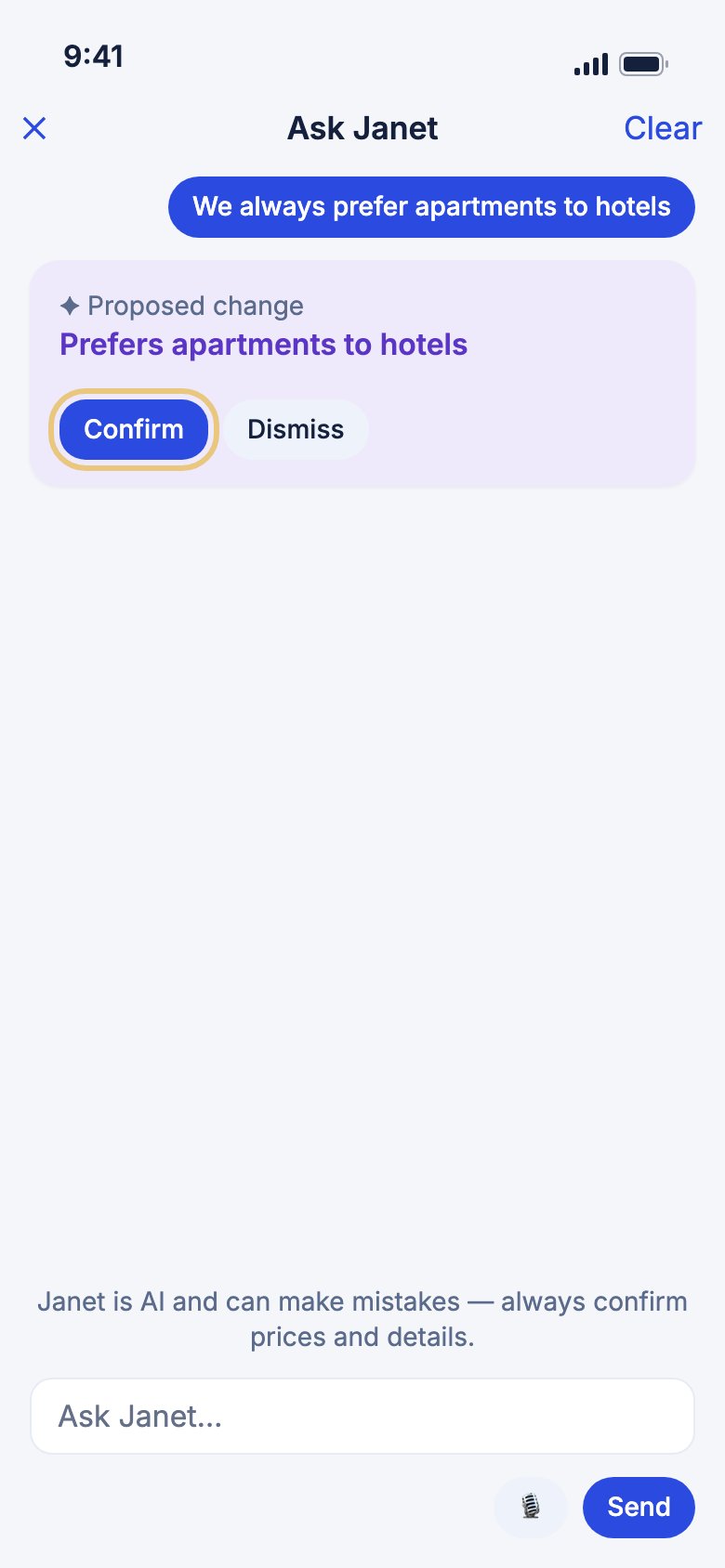
- Say something lasting, such as "We always prefer apartments to hotels."
- Read the card. It shows the exact words she would save.
- Tap Confirm. The card reads Added to your preferences.
- To see or delete what she knows, tap Account, then What Janet remembers.
Good to know
- She offers only lasting preferences, never facts about one trip.
- If your notes are full, make room first. Tap Open my preferences.
- What she has learned is a starting point. Ask for something different and she does it for that request.
- You can do this even on a trip shared with you, because it saves to your own profile.
What Janet can't do
Know her limits
Janet only acts through a card you confirm, and only says what WeiiGo's data says.
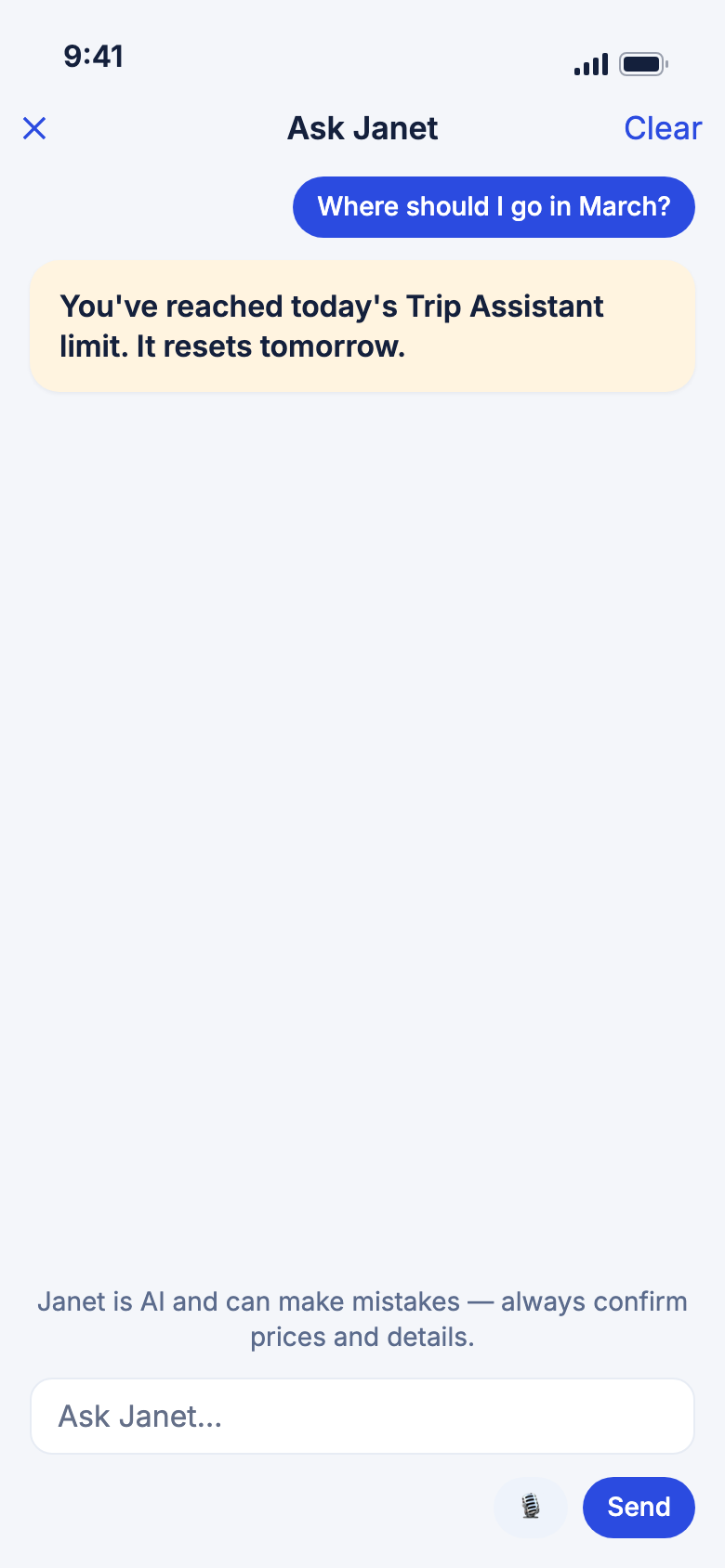
- Ask as usual. If Janet can't help, she says why.
- If you see the daily limit message, wait until tomorrow.
Good to know
- She never books or pays for anything.
- She never changes anything until you tap Confirm, and shows at most three changes in one answer.
- She can't open or send links or documents. The card's button does that.
- Some things need a trip open: live flights, safety, embassies, emergency numbers, medical help, budget and bookings.
- You can ask around 50 questions a day.
- If an answer fails, a red card appears. Tap Retry where you see it.
- Janet is AI and can make mistakes. Check prices and details before you book.